










Best Hidden ChatGPT Tools You Didn’t Know You Could Use
The best hidden tools in ChatGPT that go beyond chatting. Learn how to use ChatGPT for writing, image creation, coding, web browsing, learning, and more—all explained in simple, easy-to-understand language.

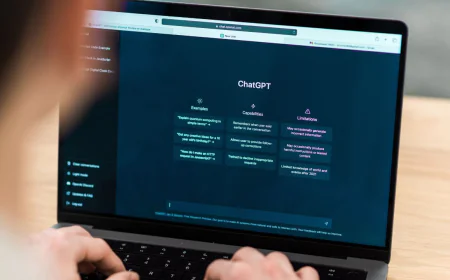
ChatGPT is known for chatting like a real person, answering questions, and helping you write things. But did you know it can do a lot more than just talk? Many people only use ChatGPT for basic tasks, like writing essays or getting answers. However, there are some hidden tools and features inside ChatGPT that can make your experience much more powerful and fun. Let’s explore them in a simple way.
1. It Can Create and Edit Documents
ChatGPT isn’t just a chatbot—it can help you make or edit documents. You can ask it to create blog posts, articles, or even reports. But there’s more: in some versions, you can open a document beside your chat and edit it while ChatGPT gives suggestions. It’s like having a smart writing buddy who helps you fix grammar, improve clarity, and make your writing sound better.
For example, if you’re writing an essay, you can tell ChatGPT to “check this paragraph for mistakes” or “make it sound more natural.” It’ll polish your work in seconds.
2. It Can Generate Images
Did you know ChatGPT can also make pictures? With built-in image tools, it can create images from text descriptions. For instance, you can say, “Make a picture of a cat sitting on a stack of books,” and it will draw one for you.
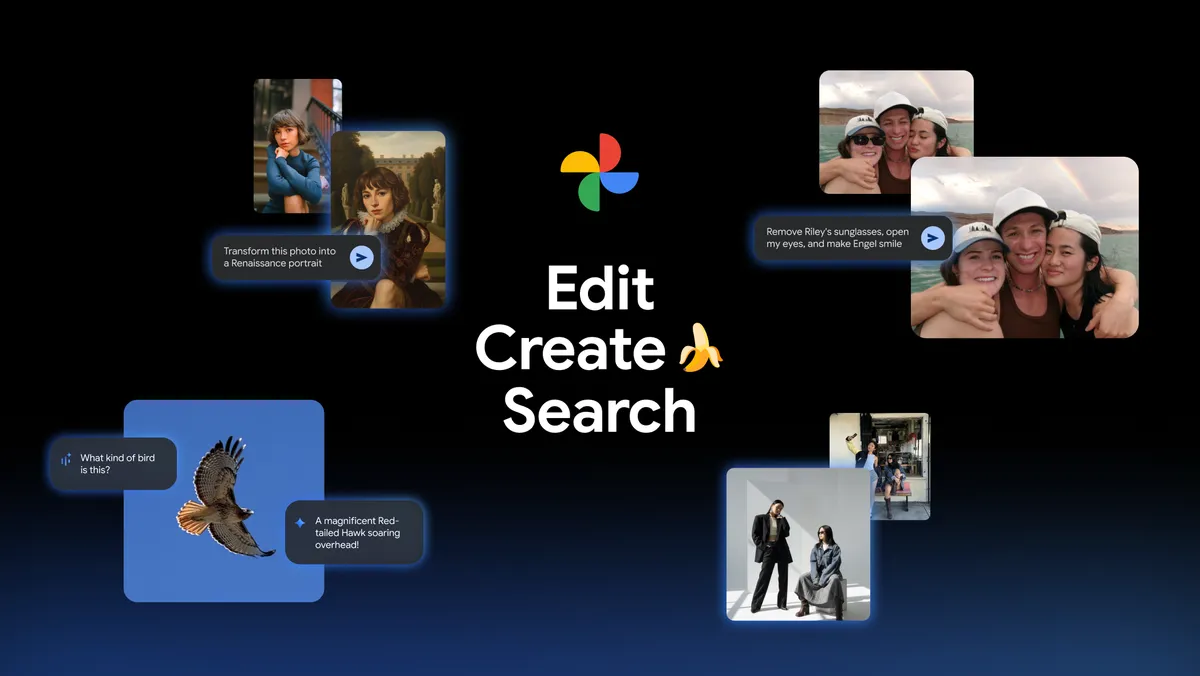
This tool is great for students, bloggers, and creators who need visuals but can’t draw or design. You can even edit an existing image by uploading it and telling ChatGPT what changes you want—like removing the background, changing colors, or adding something new.
3. It Understands and Writes Code
ChatGPT isn’t only good at words—it’s good at coding too. You can ask it to write simple programs, fix errors, or explain what a piece of code means. Whether you’re learning programming or working on a project, it can help you step-by-step.
For example, you could say, “Write a small program that calculates the area of a circle,” and ChatGPT will do it. You can also ask, “Why am I getting an error in this code?” and it’ll explain in plain language.
4. It Can Browse the Web
In newer versions, ChatGPT has a web browsing feature. That means it can look up the latest information online. This is useful when you need current data—like news, product prices, or recent updates.
For example, if you ask, “Who won the latest cricket match?” ChatGPT with web access can give you an up-to-date answer. However, not all versions have this feature, so you might need to check if yours does.
5. It Works with Files
You can also upload files like PDFs, spreadsheets, or text documents. ChatGPT can read and understand their contents. This is very helpful for students, researchers, or professionals.
If you upload a PDF report, you can ask questions like, “Summarize this file in simple words,” or “Find the key points.” ChatGPT will read it for you and share the main ideas clearly and quickly.
6. It Can Help You Learn Anything
One of ChatGPT’s hidden powers is being a patient teacher. You can ask it to explain things step by step, just like a real tutor. Whether it’s math, science, history, or English grammar, it can teach you at your own pace.
You can even say, “Explain this to me like I’m 10 years old,” and it’ll break things down simply. This makes it perfect for students who want to learn without feeling pressured.
7. It Can Act Like Different Experts
ChatGPT can take on roles to suit your needs. You can ask it to act like a teacher, a travel guide, a chef, or even a motivational coach. This makes conversations more personalized and useful.
For example, you could say, “Act as my English teacher and check this paragraph,” or “Be my travel guide and plan a 3-day trip to Goa.” It will respond as if it’s that expert, giving advice that fits the role.
Final Thoughts
ChatGPT might look like a simple chatbot, but it’s actually a multi-tool helper hidden inside one window. It can write, draw, teach, code, browse, and even understand files—all from your text prompts.
So next time you use ChatGPT, don’t just chat. Try exploring these tools. The more you experiment, the more useful and fun it becomes. Who knows—you might discover your own hidden trick!
What's Your Reaction?
 Like
0
Like
0
 Dislike
0
Dislike
0
 Love
1
Love
1
 Funny
0
Funny
0
 Angry
0
Angry
0
 Sad
0
Sad
0
 Wow
0
Wow
0